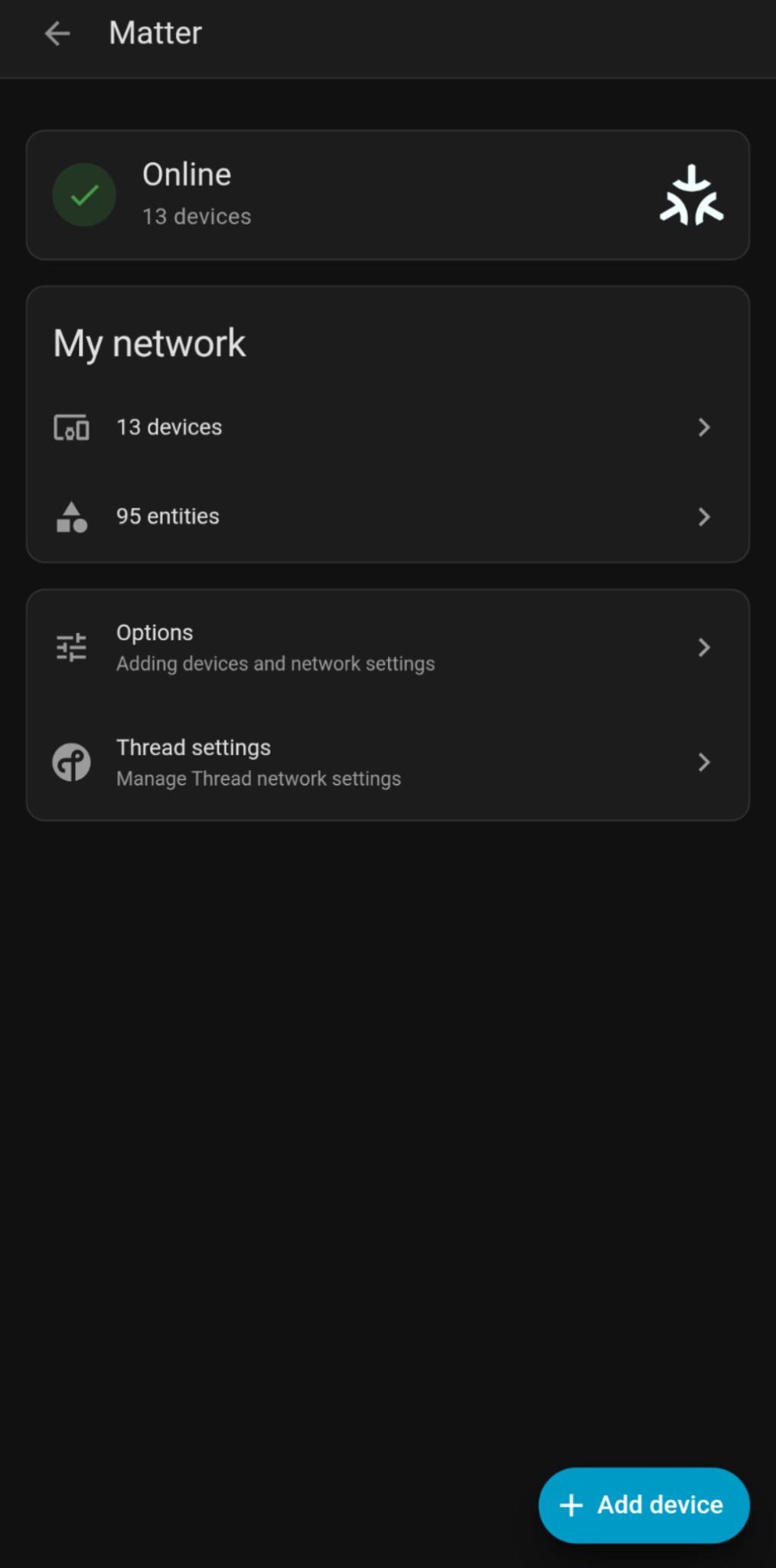
Home Assistant: does it Matter?
I’m a long time user of Home Assistant, it allows me to locally control most devices in my home. My home assistant installation method of choice is the Home assistant container running in docker. I like to manage things myself and didn’t want to utilize Home Assistant OS.
This choice for the container over the full blown OS, is usually the best choice for me, but when it comes to Matter it really bit me, in this post I’ll explain how I got matter to work in home assistant container.
What is Matter?
Matter is an open source standard to allow smart home devices to easily talk to each other without being from the same brand. I’m not going to cite the entire wikipedia page, more details there.
Matter-over-thread is a protocol (Matter) over a specific communication layer (Thread), and that is what I was interested in.
Why Matter?
I have a bunch of zigbee devices (130+) around the house and they work near perfect! Because I have so many mains-powered devices, which all help building a better mesh network, I have no complains about these devices. I won’t be replacing them if they are not broken.
But after multiple years my old Xiaomi Mi door and window (MCCGQ01LM) sensors started failing or needing their third round of batteries, so I was looking for a cheap alternative that had an AAA battery instead of the CR1632 coin cell batteries. No worries, for a short period of time Ikea sold the PARASOLL door/window (E2013) sensor, which seemed a good replacement when just looking at the price. That was not my best choice, and Ikea had the same idea by discontinuing them much sooner then expected.
Over the past months Ikea silently removed all their zigbee based products from the stores, and moved over to matter over thread devices (some which still have zigbee “fallback-mode” built-in).
The Myggbett door/window sensor seems a good replacement for my old sensors. Even when combined with the rechargeable batteries from Ikea, they only cost €7,25 per sensor.
They are not zigbee so they require an extra adapter and I though just a new integration and I could control them in Home Assistant.
Matter in Home Assistant OS
Had I picked Home Assistant OS, it was in fact just a matter 😉 of connecting the Matter adapter to my computer running Home Assistant and it would install everything by itself. Since Matter is implemented as an Add-on (which are in fact additional containers that are managed by the supervisor, a component in Home Assistant OS).
Matter in Home Assistant Container
To get Matter working in Home Assistant Container you’ll need the following components:
- USB Thread adapter (I heard the
ZBT-2by Nabu Casa works very good) - Container running the Open Thread border router
openthread/border-router - Container running the home assistant matter server
ghcr.io/home-assistant-libs/python-matter-server:stable
Flash the ZBT-1 (SkyConnect)
Using the HAOS, this would happen automatically, but for now let’s just install the firmware first. On your regular computer:
- Install the drivers for the Silicon Labs CP2101
- Plug in your ZBT-1 device
- Go to the flash website
- Click install firmware
- Select your new device and pick Thread when asked.
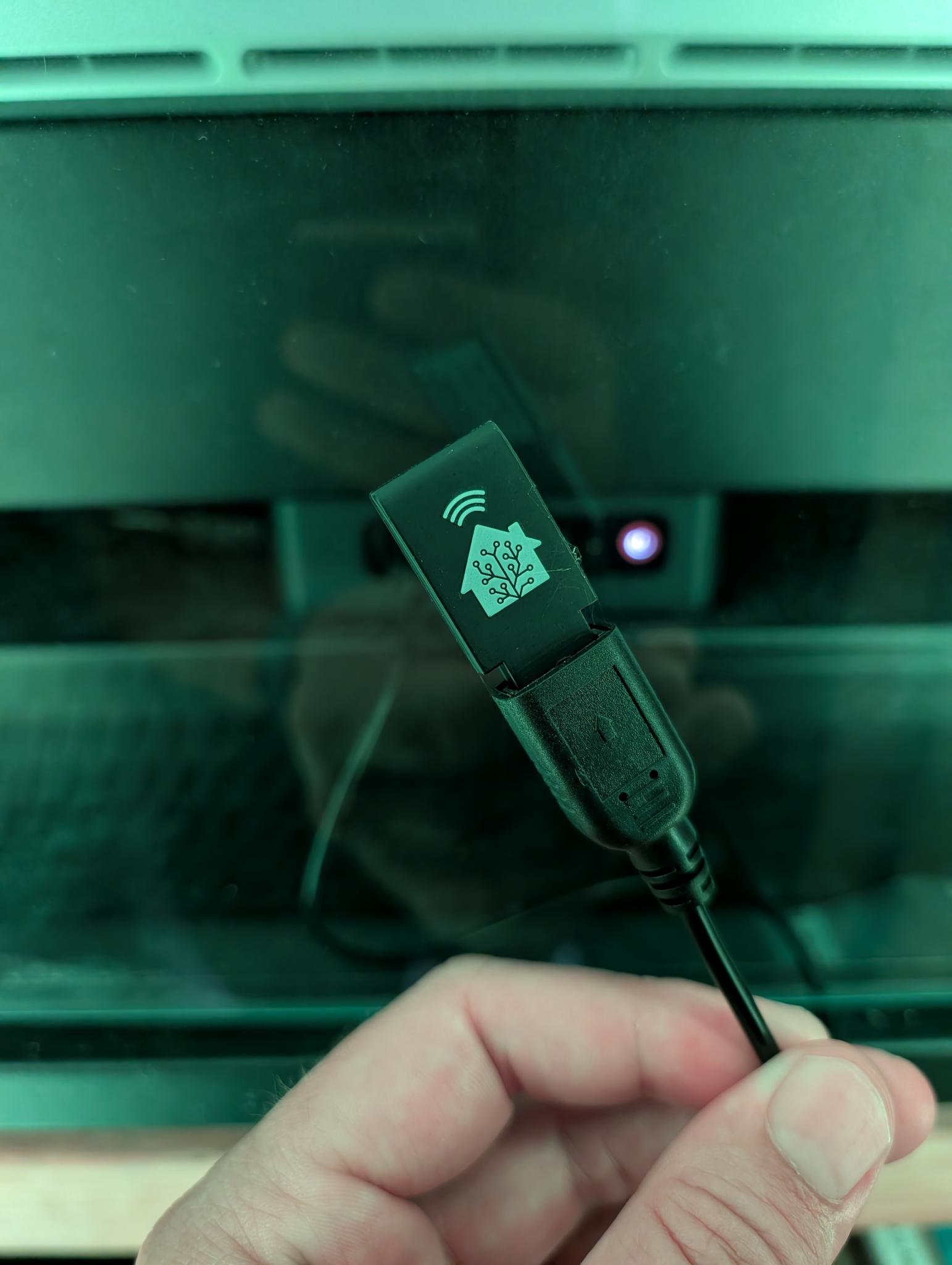
Special edition SkyConnect
Proxmox specific configuration
Since I’m running home assistant in a docker container on a LXC in proxmox I need some additional configuration.
- Passthrough the USB port to the LXC container (to figure out the device name you’ll need to plug it in and it should have the correct firmware)
- Enable
nestingandkeyctl - Enable device tunneling (access to /dev/net/tun)
- Create an lxc container like normal
- STOP the container
- Open the config file at
/etc/pve/nodes/{nodeName}/lxc/{id}.conf - Passthrough the device by adding the
dev0: /dev/ttyUSB0row, find your ID in the/dev/folder on the proxmox host. - Find the
featuresline and make it havekeyctl=1,nesting=1 - Add access to tunneling by adding this snippet:
lxc.cgroup2.devices.allow: c 10:200 rwm
lxc.mount.entry: /dev/net/tun dev/net/tun none bind,create=file
- Start the container
- Ssh into it
- Execute these commands:
sysctl net.ipv6.conf.all.accept_ra
sysctl -w net.ipv6.conf.all.accept_ra=2
sysctl -w net.ipv6.conf.eth0.accept_ra=2
cat >> /etc/sysctl.d/99-ipv6.conf << EOF
net.ipv6.conf.all.accept_ra=2
net.ipv6.conf.eth0.accept_ra=2
EOF
sysctl -p /etc/sysctl.d/99-ipv6.conf
Open Thread Border Router
If you want to use matter you’ll need some sort of router devices forwarding traffic between the thread adapter and the regular network. This is how thread works. And this is also the reason your LXC container needs to be able to access the /dev/net/tun device.
I added the following otbr service to my home assistant docker compose file.
  otbr:
    # image: openthread/border-router:sha-69f03f0 #for the exact version I'm using
    image: openthread/border-router:latest
    container_name: otbr
    network_mode: host
    cap_add:
      - NET_ADMIN
    devices:
      - /dev/ttyUSB0
      - /dev/net/tun
    volumes:
      - ./otbr:/data
    environment:
      - OT_RCP_DEVICE=spinel+hdlc+uart:///dev/ttyUSB0?uart-baudrate=460800
      - OT_INFRA_IF=eth0
      - OT_THREAD_ID=wpan0
      - OT_LOG_LEVEL=5
      - OT_FLOW_CONTROL=1
    restart: always
This will effectively run an IPv6 router between your regular network connection eth0 and the thread adapter (device at /dev/ttyUSB0).
Matter server
To be able to communicate with Matter devices, you also need a Matter server. Which is also packaged as a container for your convenience. I know this server is replaced by Matter.js but getting Matter to work was the goal not running beta or needs to be re-certified software. This container exposes a websocket for other apps to communicate with and that is what Home Assistant needs to support matter.
  matter:
    image: ghcr.io/home-assistant-libs/python-matter-server:8.1.0
    restart: unless-stopped
    # Required for mDNS to work correctly
    network_mode: host
#    security_opt:
#      # Needed for Bluetooth via dbus
#      - apparmor:unconfined
    volumes:
      # Create an .env file that sets the USERDIR environment variable.
      - ./matter:/data/
      # Required for Bluetooth via D-Bus
#      - /run/dbus:/run/dbus:ro
    # If you adjust command line, make sure to pass the default CMD arguments too:
    #command: --storage-path /data --paa-root-cert-dir /data/credentials --bluetooth-adapter 0
    command: --storage-path /data --paa-root-cert-dir /data/credentials --primary-interface eth0
    depends_on:
      - otbr
Home Assistant container changes
I figured out home assistant does not like working with matter over thread if those containers are started after home assistant, so I added the following to my home assistant service in docker compose. Meaning otbr and matter are started first:
    depends_on:
      - otbr
      - matter
Home assistant configuration
It is VERY important, you configure Home Assistant in the right order.
- Go to integrations
- add the Open Thread Border Router integration.
- The rest api is running on
http://127.0.0.1:8081 - Now you’re ready to add the Matter integration
- The URL for matter is:
ws://127.0.0.1:5580/ws
Home assistant matter devices
This concludes all the hassle to configure to communication side of Matter Over thread, we are not there yet. You still need to configure your Open Thread Border router and add your first matter device, but the end is in sight. In the next post I’ll show you how to add your first devices and I’ll discuss why I might be switching to matter in the end after all.