Smartify your doorbell
I have a regular old fashion “ding-dong” doorbell, but what is the fun of that?
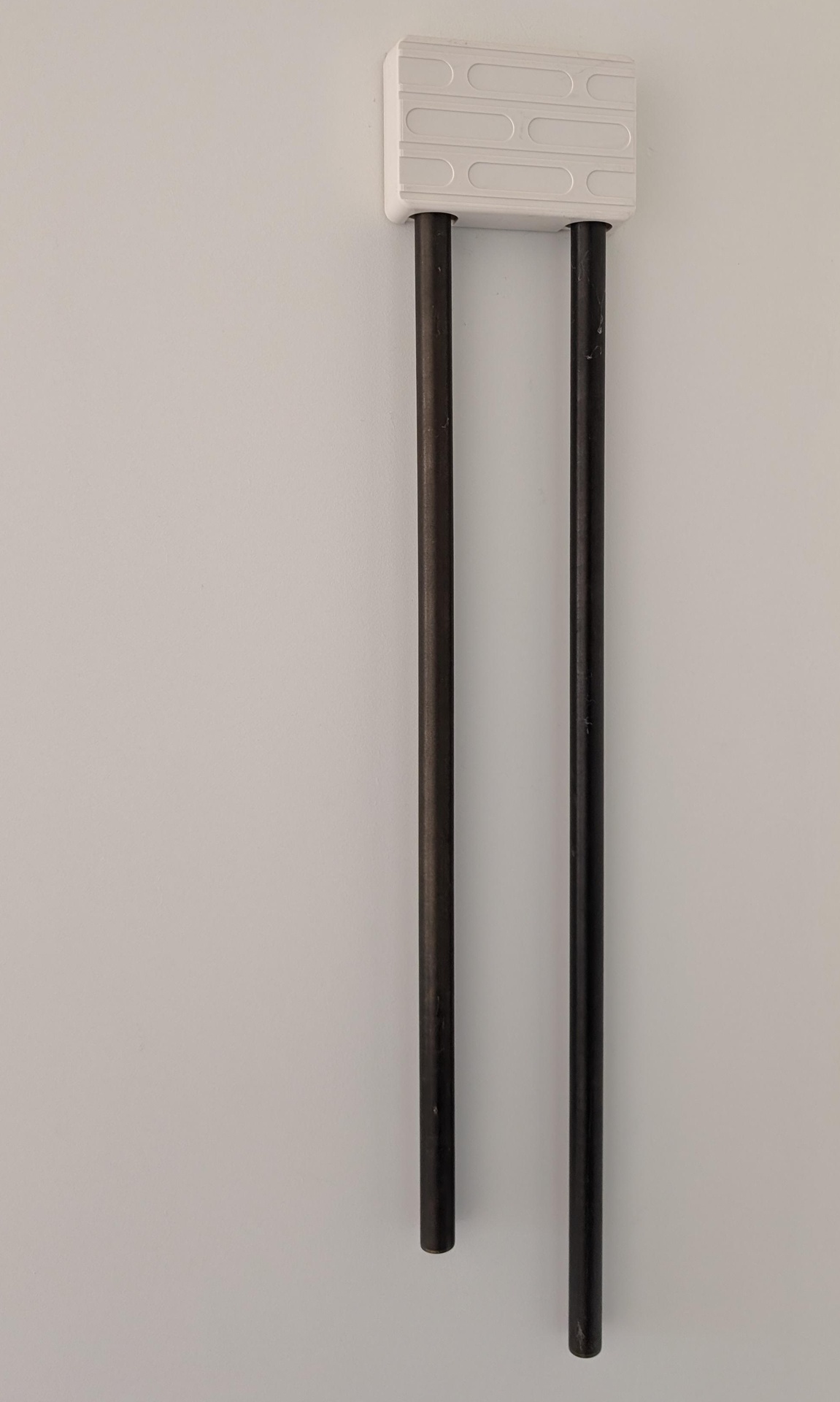
Not smart doorbell
Why do you need a smart doorbell?
- Notify other devices
- Play a sound on media players where you cannot here the chime
- Push notification on your phone?
- Act like someone is home, to scare of burglars?
I can think of several reasons why you want a smart doorbell. Maybe the best reason is that you want to turn off the chime if you have a new born or a dog that responds heavily to the doorbell?
Smartify your dumb doorbell
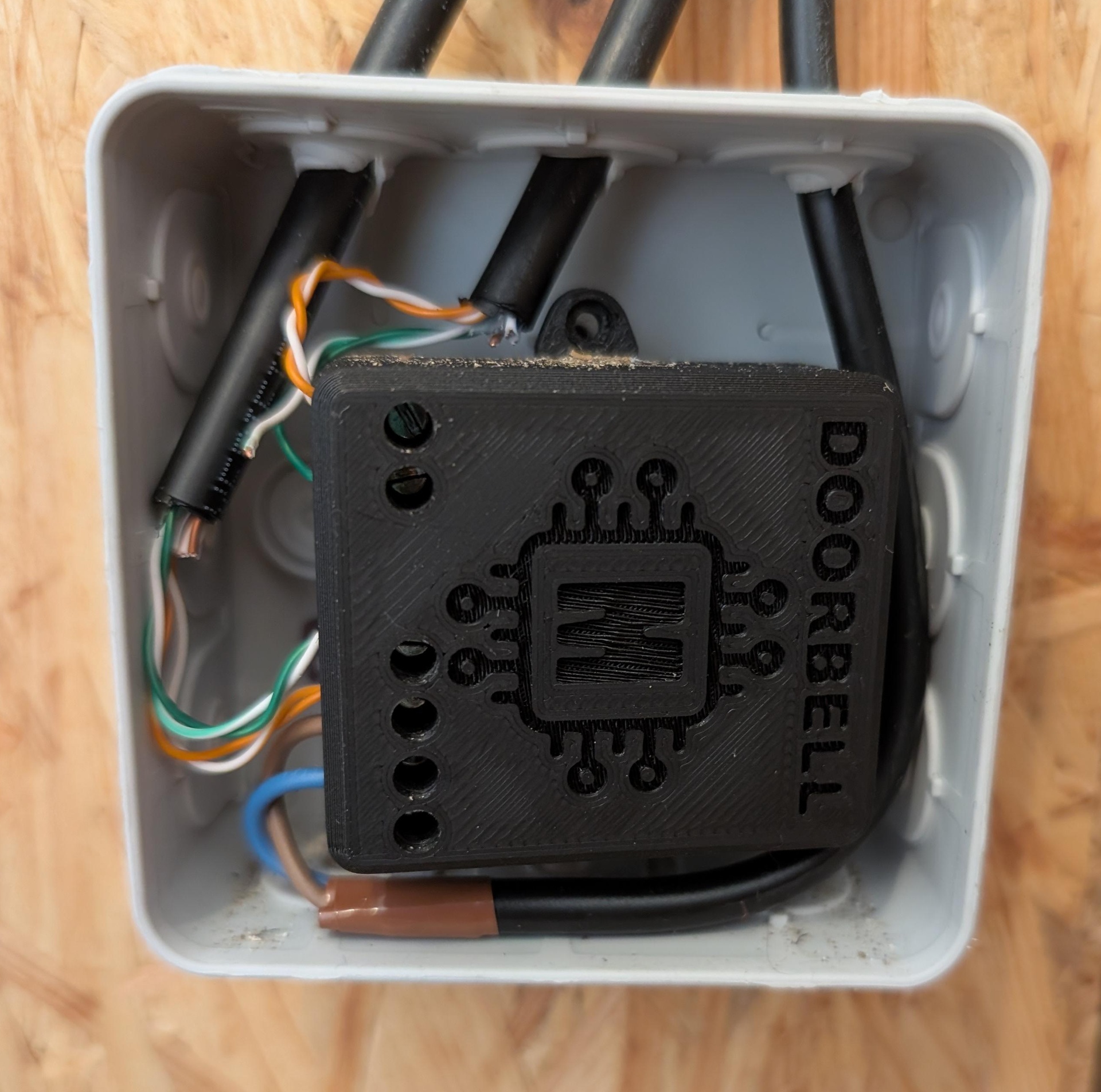
Doorbell brains
I’ve smartified my doorbell by using the Smart doorbell by Marcel Zuidwijk.
You take this device and route all the cables through it. Normally these cables are connected directly to each other, now there is a device in between.
- Chime (if you power these, your bell will make a sound)
- Switch (the outside switch, those two-wires)
- Power (there is a little step-down thing that powers the ESP32)
This device is custom built for the process, you could built your own, but why not spend a little more and get this complete device. It works great and is designed specially for this by Marcel.
ESPHome code
When you receive the device it has ESPhome firmware pre-installed, but I made some small changes to it to work it better in my use case.
Features when using the code below:
- Switch to disconnect the chime from the button
- Available events:
pressandvirtual_press - Virtual doorbell, to trigger the doorbell from home assistant
- Always same dual tone (makes a sound when turn on and turn off)
- Debounce (not allowed to ring the chime again within 5 seconds)
# regular ESPHome stuff here


ota:
  platform: esphome

globals:
  - id: chime
    type: bool
    restore_value: true
    initial_value: 'true'

switch:
  - platform: gpio
    pin:
      number: D1
      inverted: false
    id: relay
    internal: true
  - platform: restart
    name: "Restart"
  - platform: template
    name: Doorbell Chime Active
    id: chime_active
    restore_mode: DISABLED
    turn_on_action:
      - globals.set:
          id: chime
          value: 'true'
    turn_off_action:
      - globals.set:
          id: chime
          value: 'false'
    lambda: |-
      return id(chime);

binary_sensor:
  - platform: gpio
    pin:
      number: D5
      mode: INPUT_PULLUP
      inverted: true
    name: "Doorbell button"
    internal: True # hide this "button" in the interface
    filters:
      - delayed_on: 5ms
      - delayed_off: 5000ms # prevents from re-ringing within 5 seconds
    on_press:
      then:
        # Trigger the event for home assistant
        - event.trigger:
            id: doorbell_event
            event_type: press
        # If the chime switch is on, set the output to make a sound
        - if:
            condition:
              - switch.is_on: chime_active
            then:
              # Dual tone with 300ms delay
              - switch.turn_on: relay
              - delay: 300ms
              - switch.turn_off: relay

# Define all events, so they show up in home assistant correctly
event:
  - platform: template
    name: "Activity"
    id: doorbell_event
    device_class: doorbell
    event_types:
      - press # when the physical button is pressed
      - virtual_press # when the virtual button is pressed

button:
  # Virtual doorbell button
  - platform: template
    name: "Ring bell"
    on_press:
      then:
        # Emit virtual_press event
        - event.trigger:
            id: doorbell_event
            event_type: virtual_press
        # Dual tone output with 300ms delay
        - switch.turn_on: relay
        - delay: 300ms
        - switch.turn_off: relay

time:
  - platform: homeassistant
    id: homeassistant_time

text_sensor:
  - platform: version
    name: Doorbell ESPHome Version

sensor:
  - platform: wifi_signal
    name: Doorbell WiFi Signal
    update_interval: 60s
Home Assistant
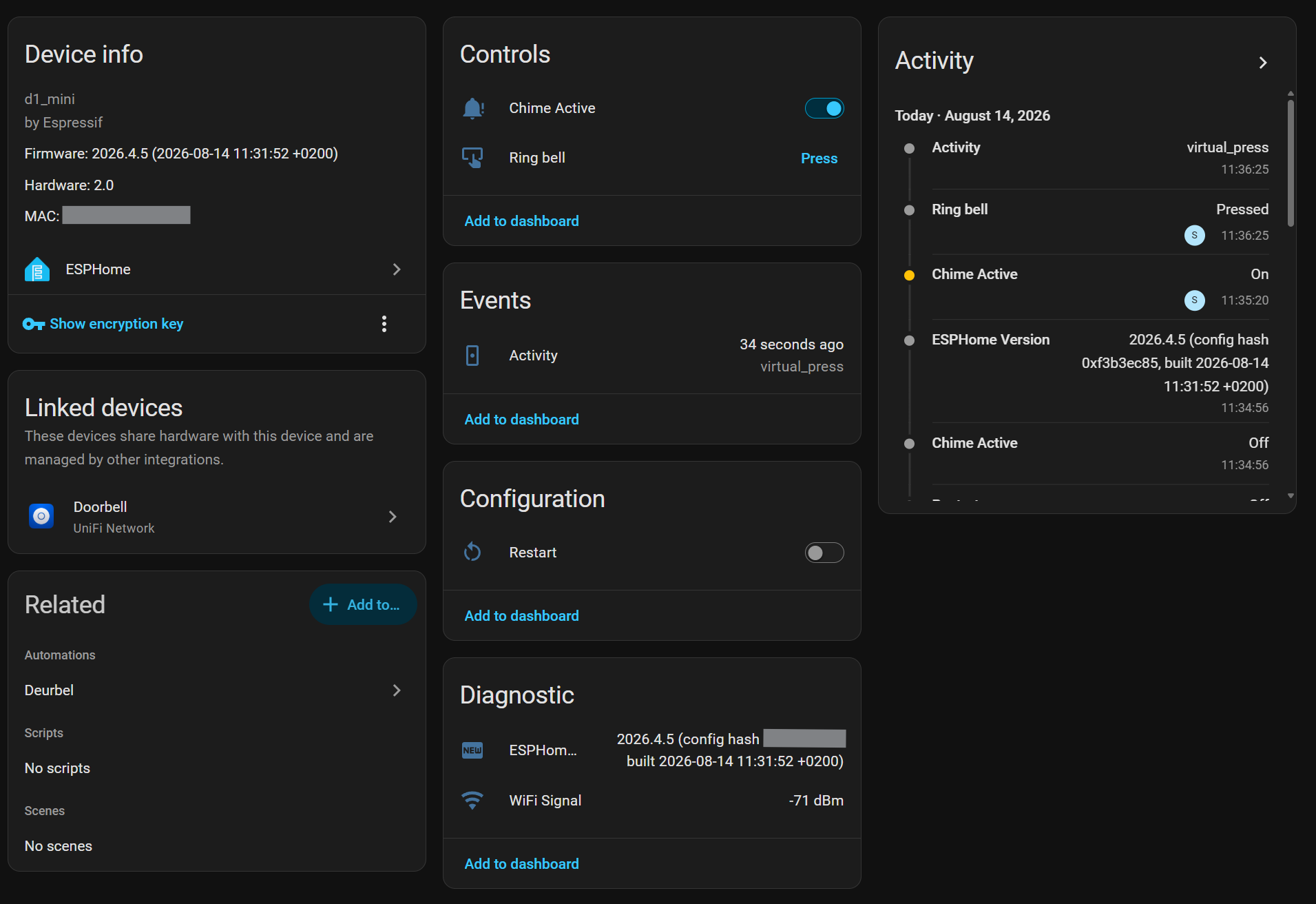
Doorbell in Home Assistant
This is how my doorbell device shows up in Home Assistant, I can see when the bell was last rang, Turn on and off the chime and virtually ring the doorbell.
I like to keep old tech working, why is why I made my old doorbell that came with the house work with my smart home. When a visitor presses the doorbell they still have the feeling that it is just a regular doorbell, while I know it way more then that.
You can use the events in your automations and I used the event from the doorbell combined with an outdoor camera to sent a snapshot to my phone. That is not the only automation, I also made my sonos speakers upstairs make a sound (if they are already playing music).



