Fido2 showdown: Security key form factors
In my introduction to this FIDO2 showdown, I explained why you might want a security key and how registration and authentication work. Now it is time to look at the different shapes these keys come in, because the shape has quite some impact on how you will use it every day.
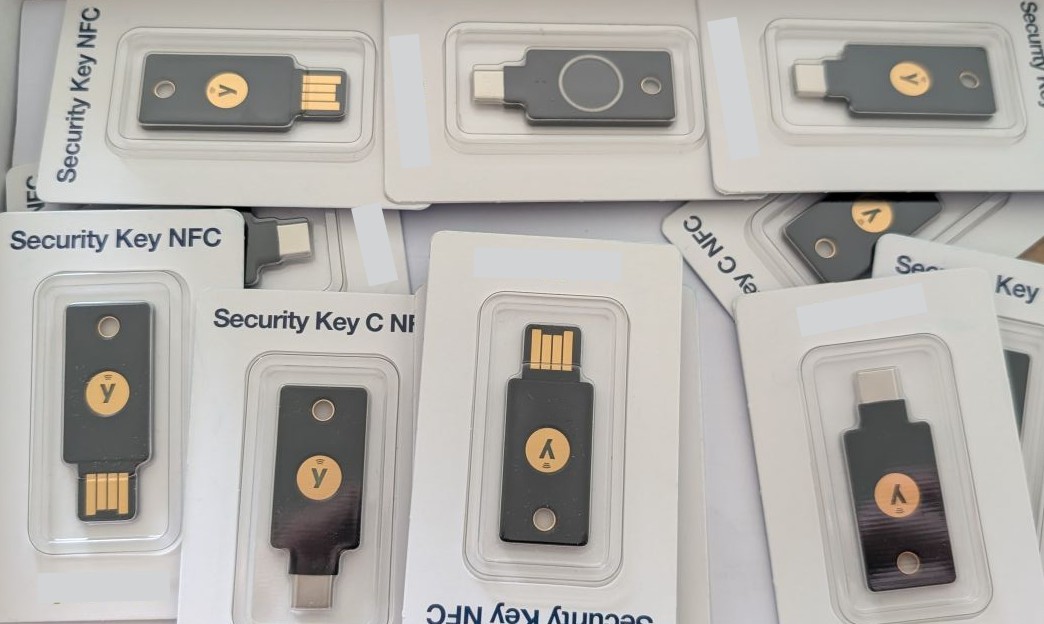
A bunch of FIDO2 security keys
Series: Fido2
One key can fit more than one group
Before we get into the different form factors, there is one thing worth mentioning: these groups overlap. A keychain key can have a fingerprint reader. A small key that stays in your laptop can also have a fingerprint reader. And a card-shaped key can use NFC.
So I’m not comparing four different technologies here. FIDO2 is the technology that lets the key prove it has the right credential. The physical form is about where you keep the key and how you interact with it.
Keychain security keys
This is probably the form factor most people picture when you say security key. It is small enough to attach to your keys, and it is easy to carry between your computer and your phone.
Depending on the model, you might get USB-A, USB-C, NFC, or a combination of these. USB is handy when you are sitting at a computer. NFC is useful when you want to use a phone without plugging anything in. Check which connectors your devices actually have before you buy one. A key that does not connect to your phone is less useful when your phone is the device you use most.
With NFC, you hold the key near the phone when the sign-in flow asks for it. There is no pairing step; NFC is simply the way the phone communicates with the key. But all the pieces still need to support it: the key needs NFC, the phone and browser or app need to be able to use an external security key, and the website needs to offer a compatible FIDO2 sign-in. On a laptop, you will usually use the USB connector unless it has an NFC reader.
The downside is that it is one more small thing to keep track of. It can also be awkward to plug a key into a crowded port, especially when it is attached to a bulky keyring.
For most people, this is a good place to start: it is portable, works across devices, and you can keep a second key somewhere safe as a backup.
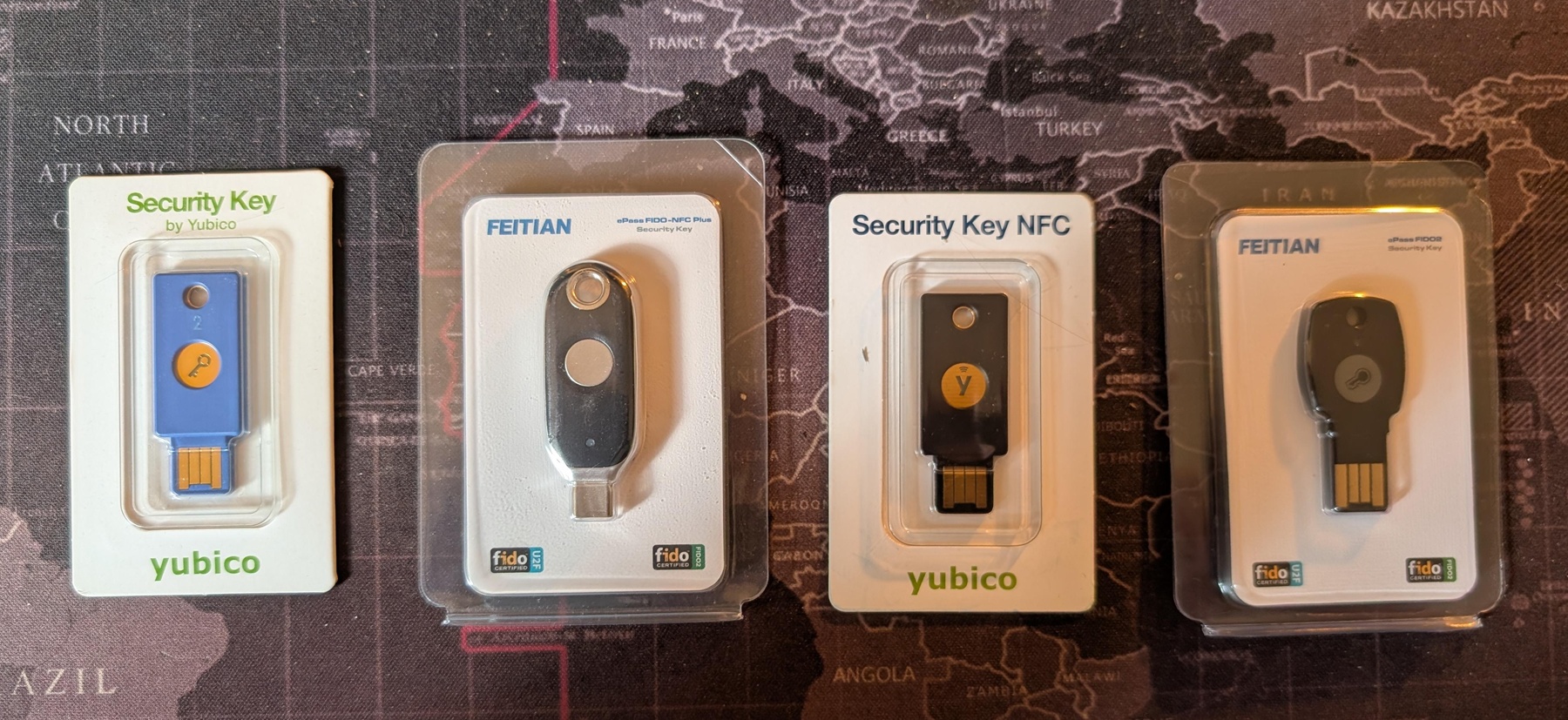
Various Keychain fido2 keys
Tiny keys that stay in your computer
Some keys are so small that you can plug one into your laptop and leave it there. You do not have to remember to bring it out of your bag or find it on your keyring. When you need it, it is already connected.
That convenience comes with a tradeoff. The key is only with you when you use that computer, and a small device sticking out of a port can still be bumped or damaged. If you move between computers, or want to sign in on your phone, this probably should not be your only key.
I can see this working well as a convenient everyday key for one laptop, with another portable key stored as a backup. Just check whether it will fit beside the other things plugged into your computer.
Keys with a fingerprint reader
A fingerprint reader changes how you approve an authentication. Instead of entering a PIN on your computer, you touch the reader on the key. That can make signing in feel quick, especially if the key supports the services and devices you use.
The fingerprint is checked by the key itself. Your fingerprint is not sent to the website as part of the FIDO2 login; the website receives a cryptographic response, just as it does from another security key. The key still needs to be registered with your account, and you may need a PIN or another way to unlock it depending on the key and the service.
This is not automatically more secure for everyone. A fingerprint reader is convenient, but it adds hardware and can make the key more expensive. You also need to enroll a fingerprint on the key. If you prefer not to use biometrics, a key without a reader may suit you better. And before buying, check what happens if the reader cannot recognize your finger and whether a PIN is available as a fallback.
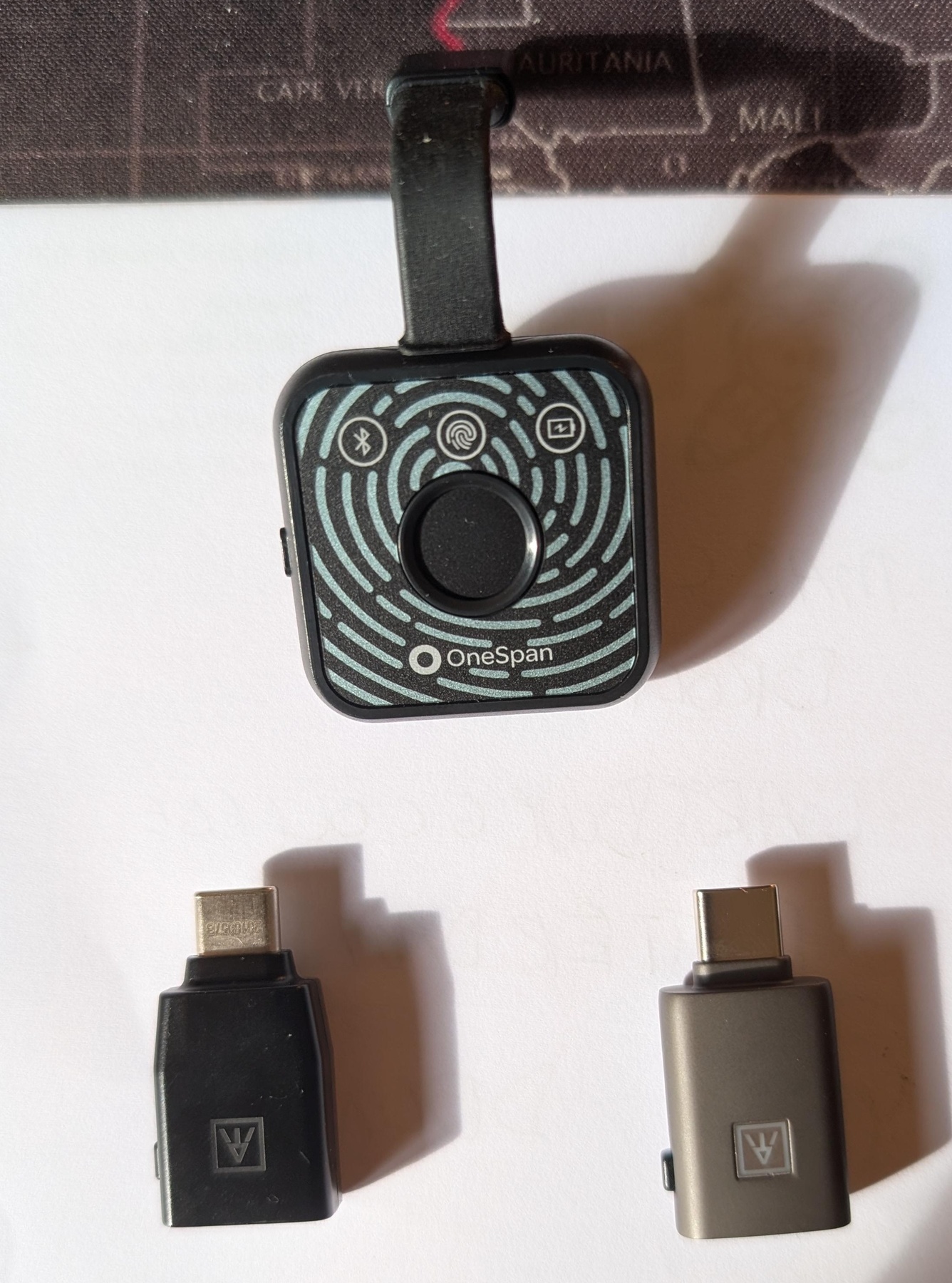
Fingerprint Fido2 keys
Badge- or card-shaped keys
Not every security key needs to look like a USB stick. Some are shaped more like an access badge or a bank card, so they can live in your wallet or badge holder. They are easy to carry without adding another item to your keyring.
These are especially interesting when they support NFC: you can tap the card against a compatible phone instead of plugging a key in. But do check how the card connects to a computer. Depending on the model, it may have a USB connector, require NFC, or need a reader. A card that works with your phone does not necessarily work with every laptop.
The tradeoff is familiar: it is easy to carry, but you need to remember where you put it. If you already carry an access badge every day, this shape might fit naturally into your routine. If your badge stays at the office, it may not be the key you need at home.
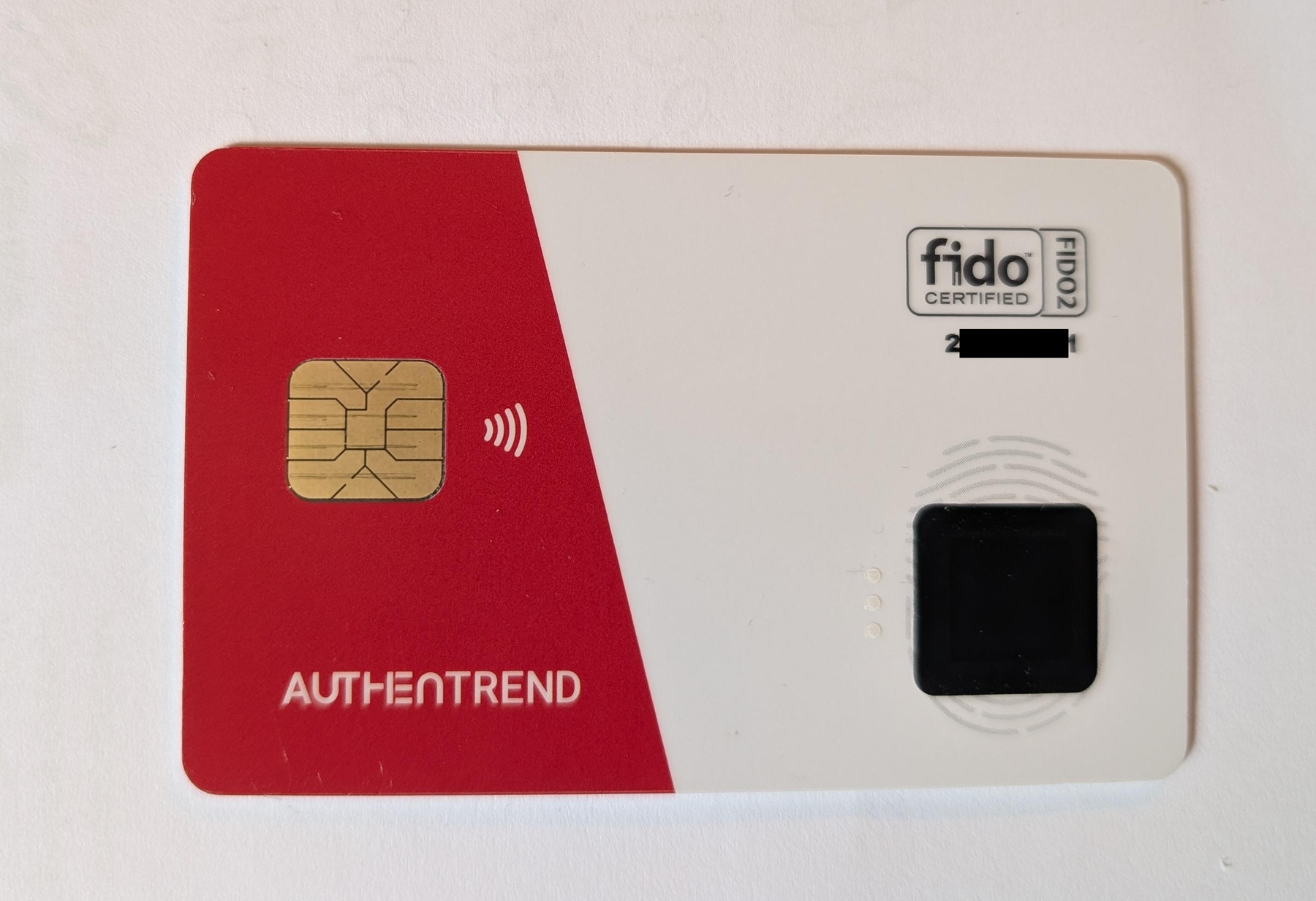
Badge Fido2 keys
This badge from Authentrend is even sold with a USB-C reader, so you can also use it on computers without NFC reader.
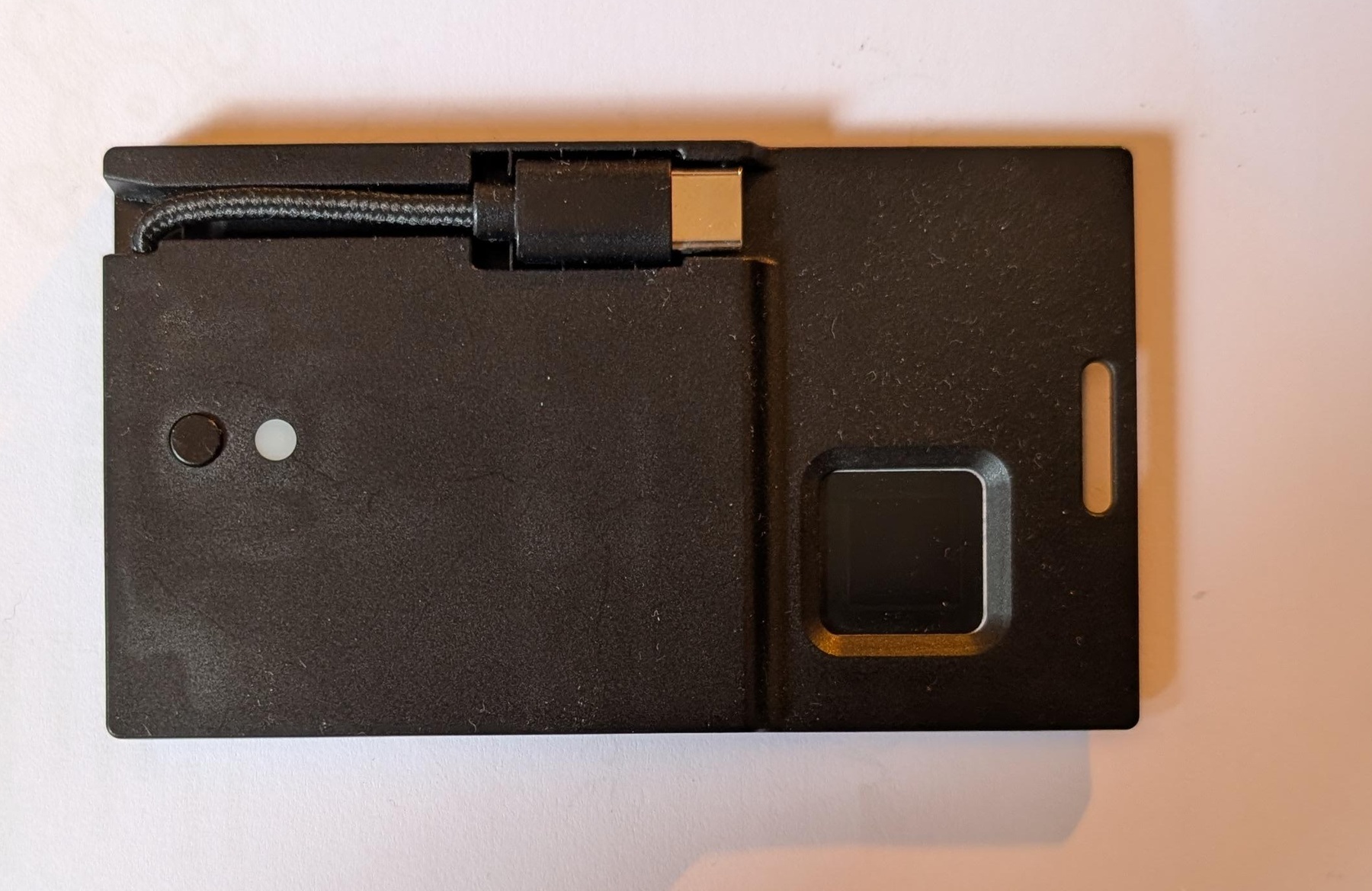
Badge reader
So which shape should you choose?
Think about where you sign in and how you want to carry the key. A few questions will narrow it down:
- Do you need USB-A, USB-C, NFC, or more than one of these?
- Will the key live on your keyring, in your wallet, or in one computer?
- Do you want to approve logins with a fingerprint, a PIN, or just a touch when the service allows it?
- Does the key support the FIDO2 features your accounts need, including passkeys if that is what you plan to use?
- Can you register a second key with your important accounts and keep it somewhere safe?
The last question matters regardless of the shape you choose. A security key can be lost or damaged, so register a backup key before you need one. Also check how you would recover each account if both keys became unavailable.
There is no single best form factor. The best key is the one that works with your devices and that you will actually have with you when you need to sign in. In the next posts, I’ll compare the keys in each group and see how they do in practice.